Important Update: Changes to Match Report Visibility
Dear Ref Insight colleagues,
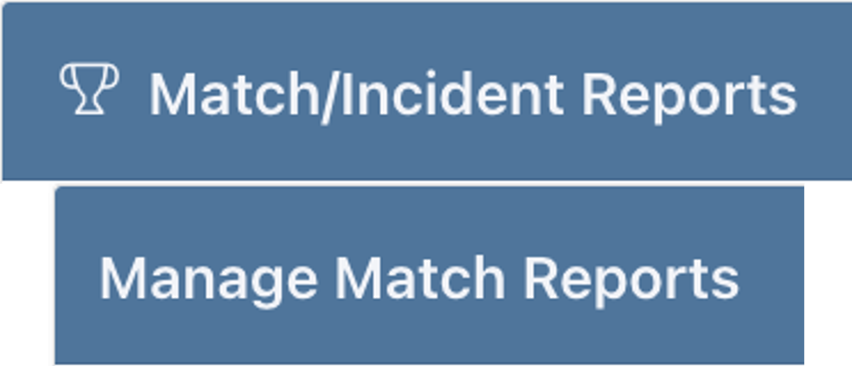
We have an important update to our platform based on your valuable feedback. To streamline collaboration, we've adjusted who can View Match/Incident Reports and Manage Match Reports for Competitions.
New Match Report Visibility Settings
The following users can now view and manage Match Reports for specific Competitions:
Assignors
Users with Competition View access
Users with Competition Admin access
The Competition Owner
Full-access Admins
These changes ensure that the right people have the necessary access while maintaining data security.
How to Share a Competition
As a reminder, here is the process for sharing a Competition:
Navigate to the Sharing region under the Competition
Click on "Share Competition"
Find the user you want to share with in the list on the left
Double-click on the person's name to move them to the right side of the shuttle
Choose either "View" or "Admin" access for the user
This streamlined process makes it easier to collaborate with your team while maintaining appropriate access levels.
We believe this update will improve your experience with viewing and managing match reports. As always, we appreciate your feedback and are here to support you as you explore these new features.
Thank you for your continued trust in our platform.
Best regards,
Ref Insight