🚀 New Feature: Send Messages from USSF Licenses Report
Overview
A new messaging feature is now available within the USSF Licenses report, allowing administrators and assignors to send targeted communications directly to officials based on their license status. This feature combines the existing filtering capabilities of the Interactive Menu with integrated messaging, making it easy to reach officials with expiring or expired licenses, certifications, and background checks.
New Feature Details
Messaging from USSF Licenses Report
Send targeted messages to officials directly from the USSF Licenses report, using filters to identify specific groups based on license type, expiration dates, pools, and more.
What's Available:
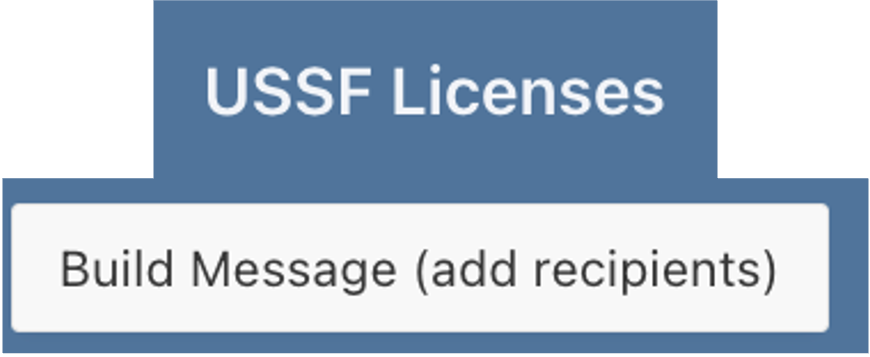
Build Message button to add selected recipients from the filtered report
Filter by license type, expiration dates, pools, disciplines, and more
Identify expired referee licenses (shown as blank expiration dates)
Track days until expiration for proactive communications
Filter by Pools, Select individual recipients, or select all from a filtered list
Save messages as drafts or send immediately
Key Benefits:
Send targeted reminders to officials with expiring licenses or certifications
Reach officials with expired credentials quickly and efficiently
Use powerful filtering to identify exactly who needs to receive communications
Save time with bulk messaging to filtered groups
How It Works
Access the USSF Licenses report and use the Interactive Menu to filter for specific criteria such as expiring licenses, expired certifications, or officials in particular pools. Select the recipients you want to message, click Build Message to add them, compose your message, and either save as a draft or send immediately.
Tutorial Available
Complete guidance on using the messaging feature in the USSF Licenses report is now available in the Knowledge Base.
Access the Tutorial: Send a Message from the USSF Licenses Availability Report
Support
For questions about the USSF Licenses messaging feature:
Review the comprehensive tutorial in the Knowledge Base
Explore the Interactive Menu Tutorial Series for advanced filtering techniques
Contact support at support@refinsight.com
Happy communicating!
The Ref Insight Team